iPhoneから送信
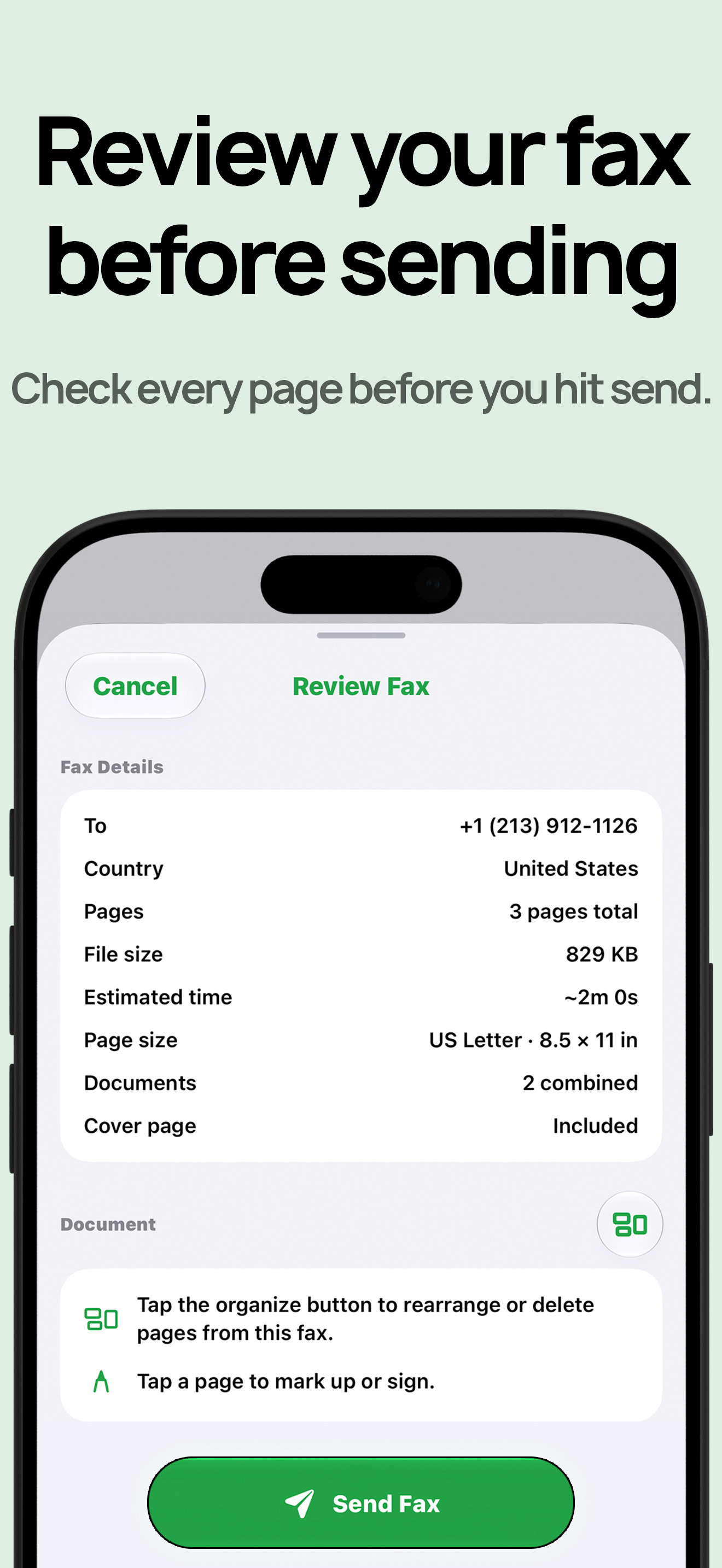
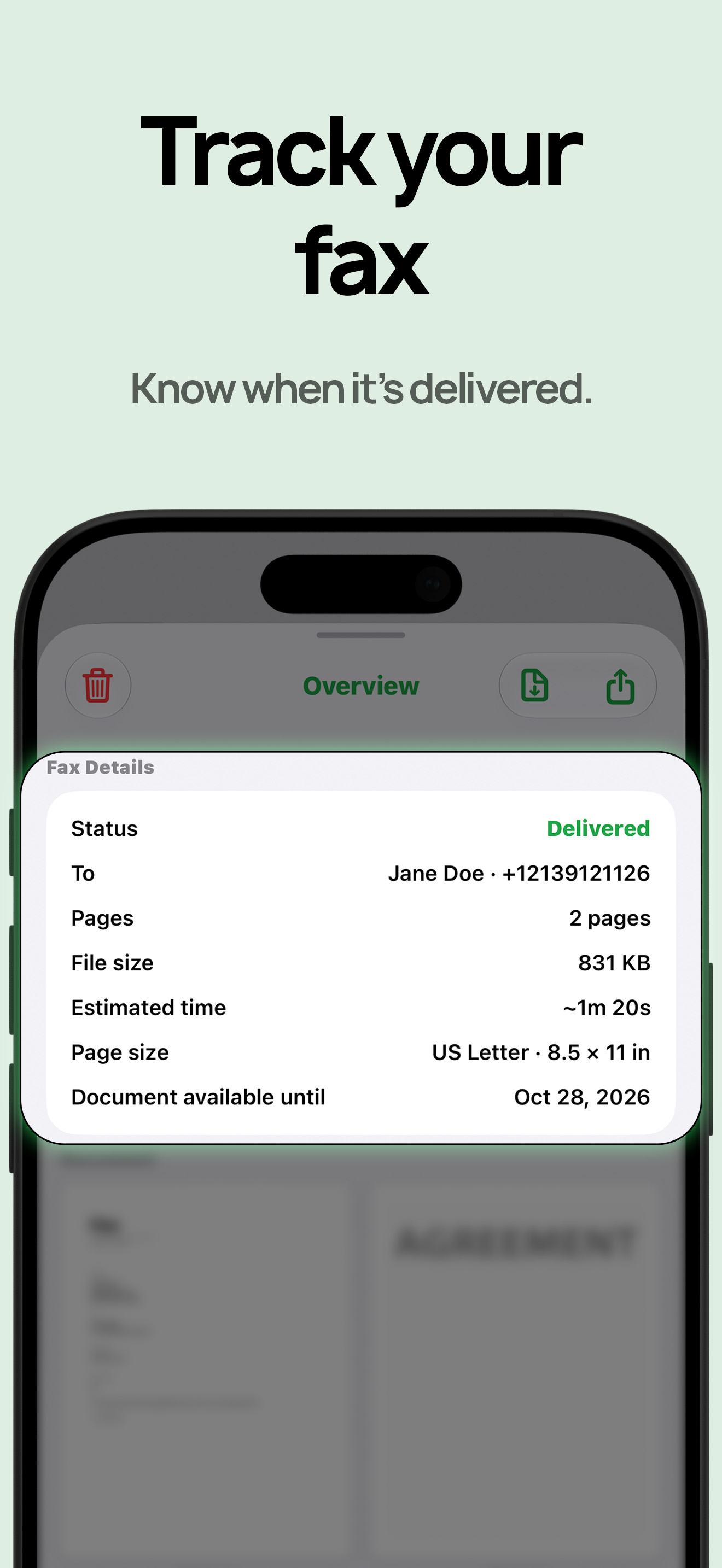
FAX番号を入力し、書類を追加し、各ページを確認して、アプリで配信状況を追跡できます。
 アプリを入手
FAX機は姿を消しました。でも、FAXを求める相手はまだいます。iPhoneから最初のFAXを無料で送り、受信が必要になったら米国番号を追加できます。

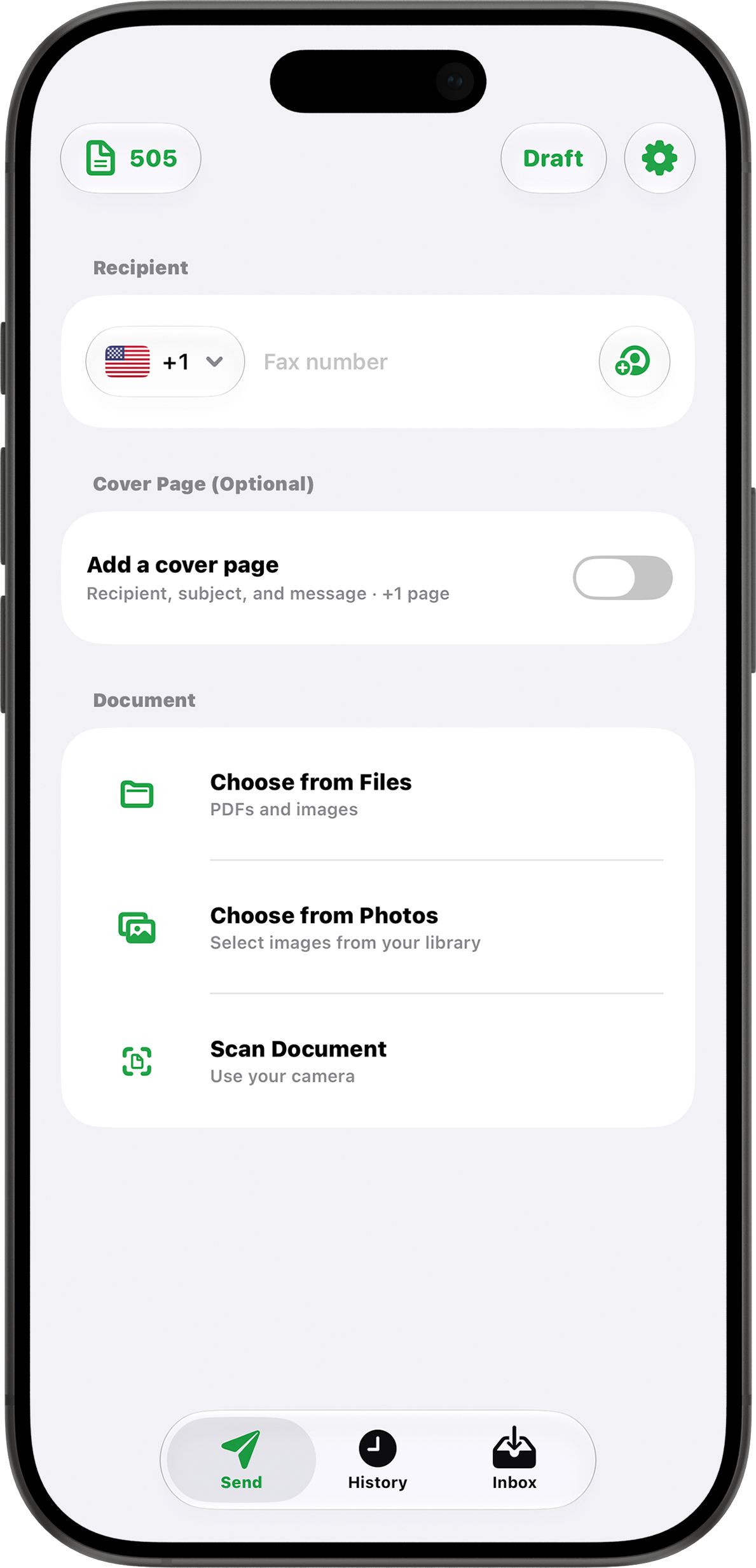
FAX番号を入力し、書類を追加し、各ページを確認して、アプリで配信状況を追跡できます。
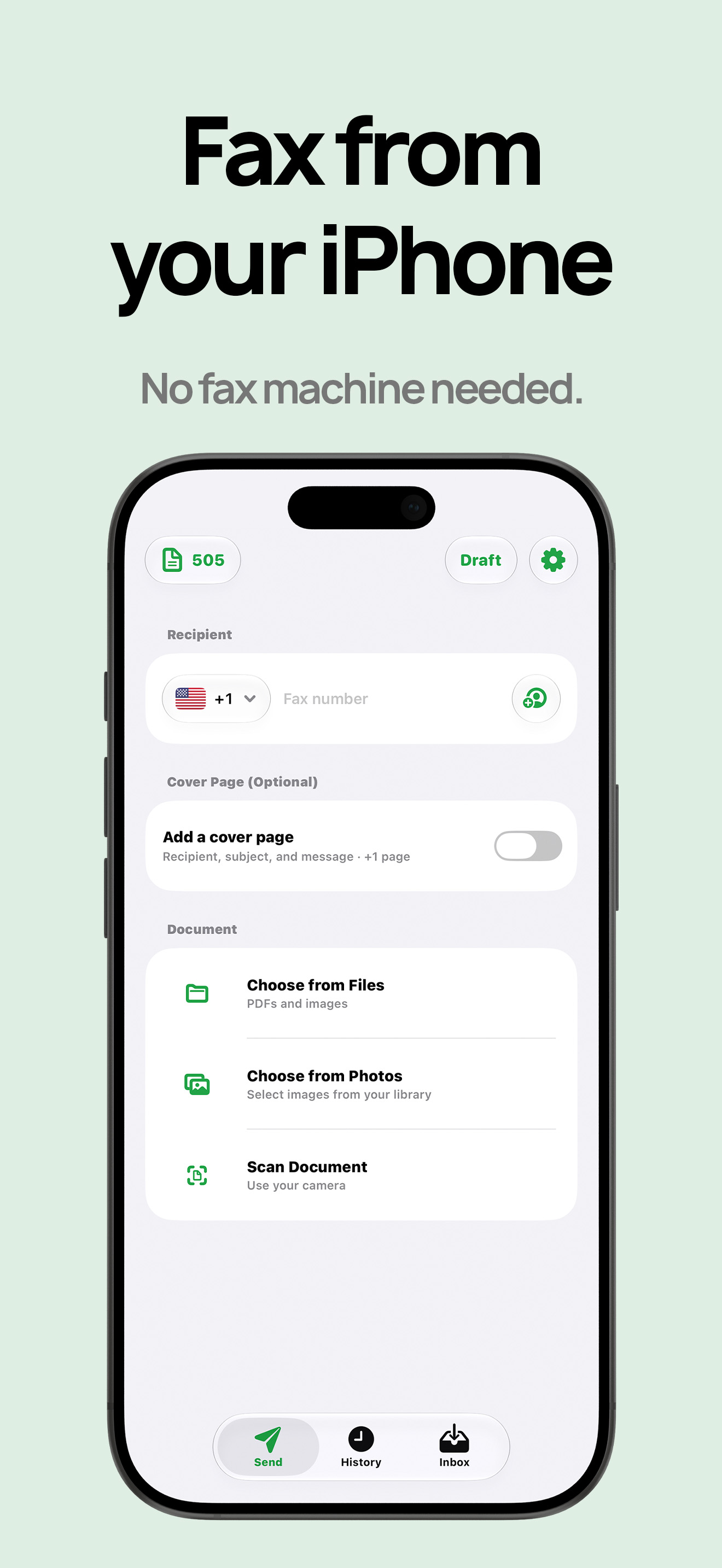
紙の書類をスキャン、写真を選択、またはPDFやファイルをアップロードして送信できます。
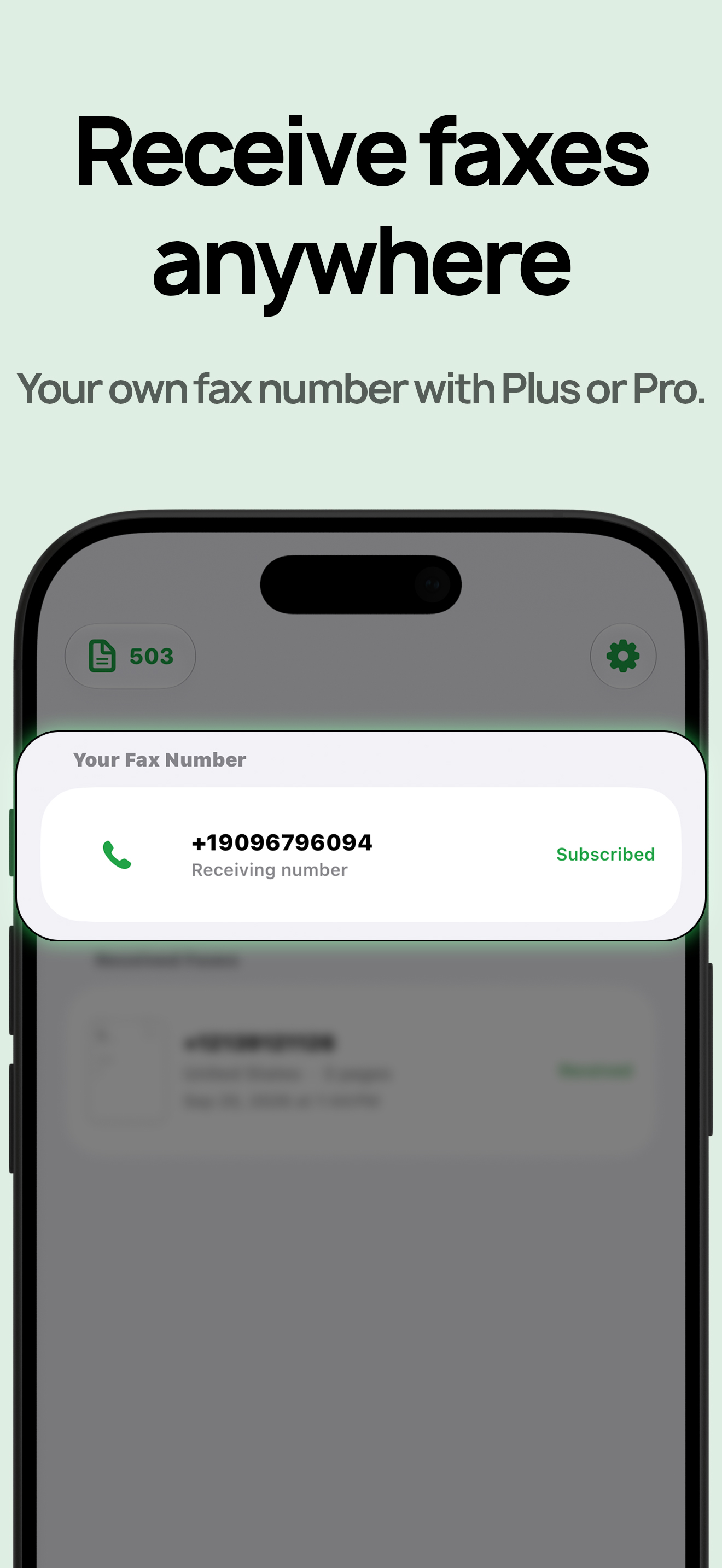
FaxQuik PlusとFaxQuik Proには米国FAX番号が含まれます。対応国への国際送信に対応しています。
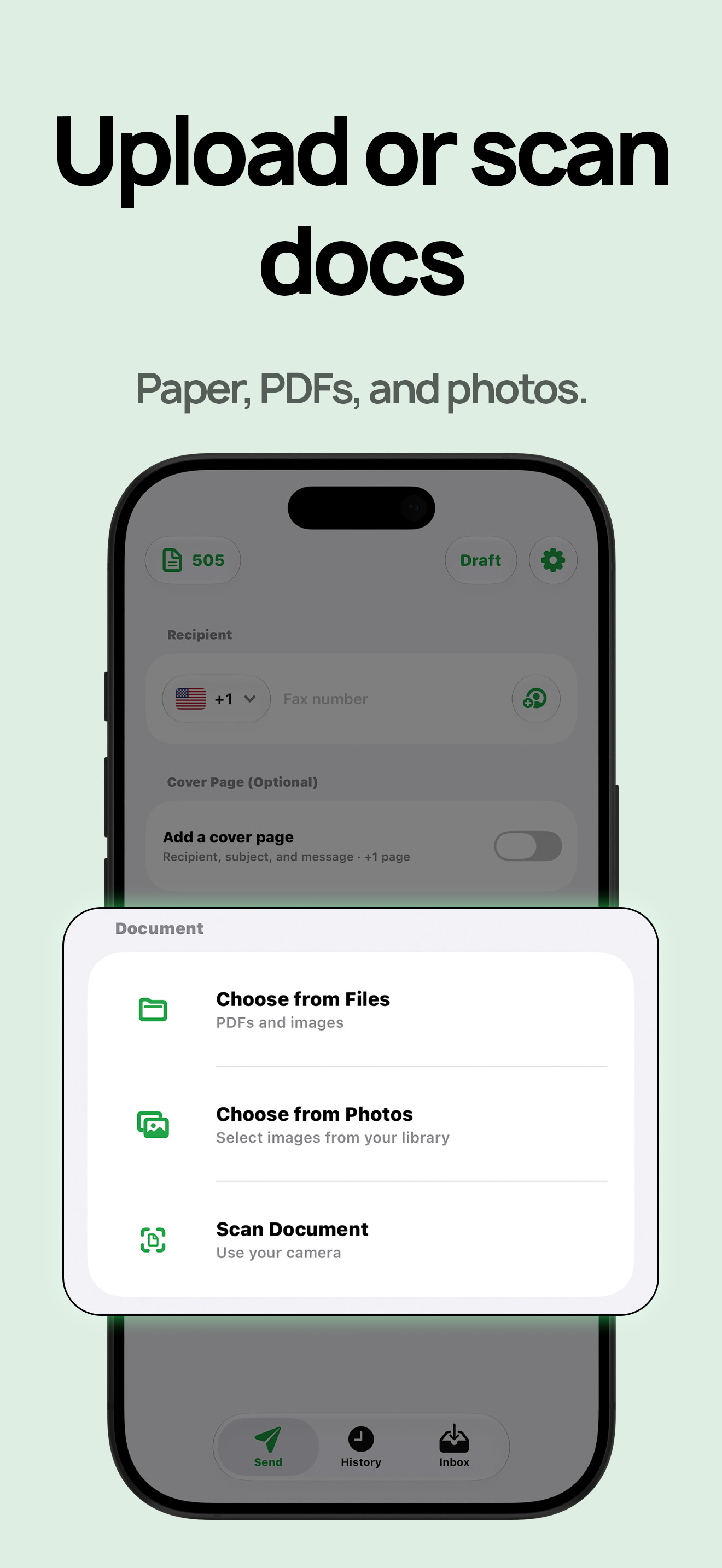
iPhoneから対応する国際宛先へFAXを送信できます。
Send Once、7-Day Send Pass、Plus、Proに含まれます。国際FAX番号には現在対応していません。
 +61
+61 +55
+55 +49
+49 +33
+33 +44
+44 +81
+81 +52
+52 +31
+31 +64
+64期限のない送信用5ページクレジット。サブスクリプションや自動更新はありません。
7日間で送信50ページ。書類アップロード、配信状況、FAX履歴付き。
毎月合計300ページまで送受信できます。
毎月合計500ページまで送受信できます。
A straightforward guide to sending documents digitally from your iPhone with FaxQuik when an office still asks for a fax.
Covers phone, computer, tablet.What to consider before sending medical, legal, financial, or personal documents through an online fax workflow.
Covers privacy, encryption, document handling.A practical comparison of cost, speed, hardware, maintenance, accessibility, and day-to-day workflow.
Covers cost, speed, business workflow.Quick answers before you send.
Yes. FaxQuik can send to supported international destinations, including Australia, Brazil, France, Germany, Japan, Mexico, the Netherlands, New Zealand, and the United Kingdom. International fax numbers are not supported at this time.
No. FaxQuik receive numbers are U.S. fax numbers. You can send to supported international destinations, but international fax numbers are not supported at this time.
No. You can use Send Once or a 7-Day Send Pass without a subscription. Plus and Pro are for sending and receiving every month.
Yes. FaxQuik Plus and FaxQuik Pro include receiving faxes with a U.S. fax number.
Yes. Your first fax is free for up to 3 pages to a supported destination.
登録は不要です。